YoNo TV
업데이트 날짜
현재 버전
1.0.0
제공자

작은 휴대폰 화면에서 앱 사용에 지치셨나요? MEmu Play를 사용하면 큰 화면에서 앱을 경험할 수 있습니다! MEmu Play의 키보드와 마우스 기능은 앱의 숨겨진 잠재력을 깨워줍니다. 컴퓨터에 YoNo TV 앱을 다운로드하고 설치하면 배터리 수명이나 과열 걱정 없이 좋아하는 앱을 즐길 수 있습니다. MEmu Play를 사용하면 컴퓨터에서 앱을 쉽게 사용할 수 있으며, 언제나 고품질 경험을 보장합니다!
더보기
MEmu Play로 PC에서 YoNo TV 을 사용하는 최고의 경험을 즐겨보세요. 강력한 무료 안드로이드 에뮬레이터로, 데스크톱 버전에서 수천 개의 안드로이드 앱을 사용할 수 있습니다. 친구들과 소통하고 더욱 효율적으로 작업물을 다듬어 보세요! YoNo TV Live is a sports information application designed to keep fans updated with the latest scores, schedules, from different sporting events around the world.
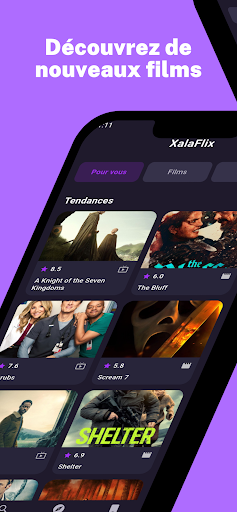
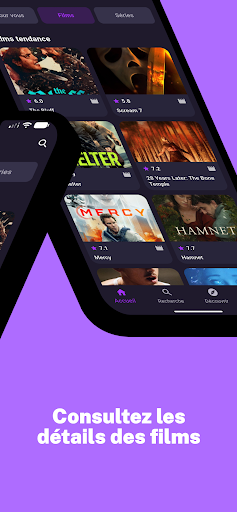
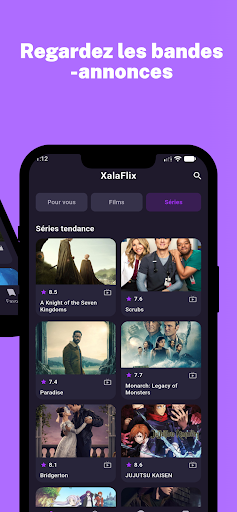
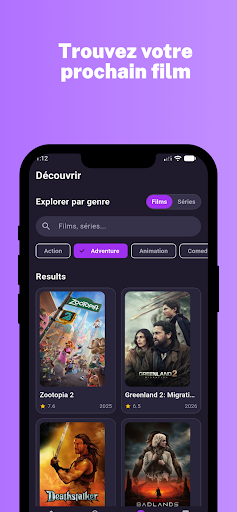
YoNo TV Live is a sports information application designed to keep fans updated with the latest scores, schedules, from different sporting events around the world.
The app provides quick access to match results, upcoming fixtures, and key updates from popular sports such as cricket, football, and other major competitions. With a simple interface and organized sections, users can easily stay informed about their favorite teams and tournaments.
Whether you are following international events or local leagues, YoNo TV Live helps you track important sports updates anytime.
Key Features
Live Score Updates
Stay updated with real-time scores from ongoing matches.
Match Schedules
Check upcoming fixtures and match times across different sports.
Results
View recent match results
Multiple Sports Coverage
Follow cricket, football, and other popular sports events.
Simple Navigation
Clean and lightweight design for quick access to sports information.
YoNo TV Live is designed to provide fast sports updates for fans who want to stay informed wherever they are.
Disclaimer
YoNo TV Live does not stream or broadcast live sports events.
The application provides sports information such as scores, schedules, results, for informational purposes only.
All trademarks, league names, and related content belong to their respective owners.
더보기

1. 설치 프로그램 다운로드 하시고 설치하십시오

2. 미뮤 실행하고 바탕화면에서 구글 플레이 시작

3. 구글 플레이에서 YoNo TV 검색
Install
4. YoNo TV 다운로드 하시고 설치해 주세요
5. 아이콘 클릭해 주세요

6. Memu Play에서 YoNo TV 사용하기
MEmu Play는 5천만 명의 사용자에게 최고의 안드로이드 앱 경험을 제공하는 무료 안드로이드 에뮬레이터입니다. MEmu의 가상화 기술을 통해 최적의 그래픽 성능을 즐기면서 컴퓨터에서 수많은 안드로이드 앱을 원활하게 실행할 수 있습니다.
최상의 그래픽, 큰 스크린, 배터리, 데이터 걱정 완벽하게 해결.
키보드, 마우스 또는 게임패드를 사용하여 쾌적한 게임 플레이가 가능합니다..
미뮤 멀티를 이용하여 여러 개 게임과 앱을 멀티로 사용할 수 있습니다.
다음 절차에 따라 PC에서 YoNo TV을(를)플레이 할 수 있습니다.