VoyceMe: Manga and Webtoons
업데이트 날짜
현재 버전
2.6.0
제공자

작은 휴대폰 화면에서 앱 사용에 지치셨나요? MEmu Play를 사용하면 큰 화면에서 앱을 경험할 수 있습니다! MEmu Play의 키보드와 마우스 기능은 앱의 숨겨진 잠재력을 깨워줍니다. 컴퓨터에 VoyceMe: Manga and Webtoons 앱을 다운로드하고 설치하면 배터리 수명이나 과열 걱정 없이 좋아하는 앱을 즐길 수 있습니다. MEmu Play를 사용하면 컴퓨터에서 앱을 쉽게 사용할 수 있으며, 언제나 고품질 경험을 보장합니다!
더보기
PC에서 미뮤로 VoyceMe: Manga and Webtoons 다운로드 하시고 큰 화면으로 플레이 즐기자 VoyceMe is where grand adventures begin, unforgettable heroes rise, and relentless action takes center stage — brought to life by breathtaking visuals.
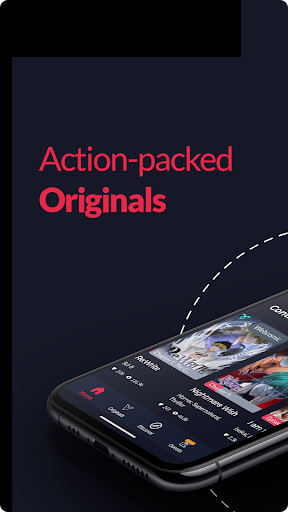
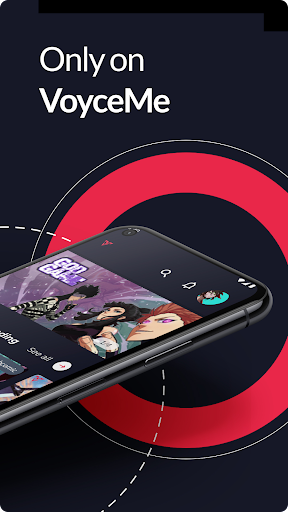
VoyceMe is where grand adventures begin, unforgettable heroes rise, and relentless action takes center stage — brought to life by breathtaking visuals.
Exclusive Originals:
Read through an ever-expanding library of the best action manga and webtoons you won't find anywhere else!
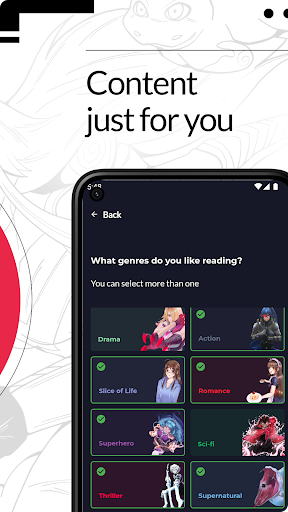
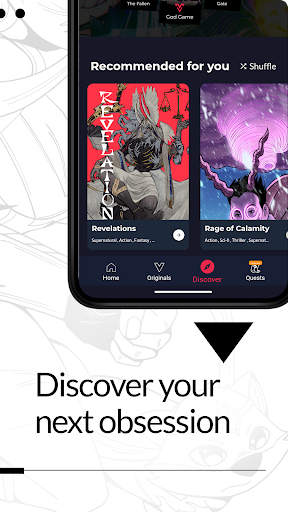
Personalized Recommendations:
Discover your next obsession through recommendations tailored to your interests and preferences.
Track Your Reading:
With our Continue Reading and Library features, pick up right where you left off. Easily track your reading progress and manage your followed series effortlessly.
Control Your Reading Experience:
Enjoy an immersive experience with comprehensive controls that let you read exactly how you want.
Join VoyceMe and jump straight into the action!
더보기

1. 설치 프로그램 다운로드 하시고 설치하십시오

2. 미뮤 실행하고 바탕화면에서 구글 플레이 시작

3. 구글 플레이에서 VoyceMe: Manga and Webtoons 검색
Install
4. VoyceMe: Manga and Webtoons 다운로드 하시고 설치해 주세요
5. 아이콘 클릭해 주세요

6. Memu Play에서 VoyceMe: Manga and Webtoons 사용하기
MEmu Play는 5천만 명의 사용자에게 최고의 안드로이드 앱 경험을 제공하는 무료 안드로이드 에뮬레이터입니다. MEmu의 가상화 기술을 통해 최적의 그래픽 성능을 즐기면서 컴퓨터에서 수많은 안드로이드 앱을 원활하게 실행할 수 있습니다.
최상의 그래픽, 큰 스크린, 배터리, 데이터 걱정 완벽하게 해결.
키보드, 마우스 또는 게임패드를 사용하여 쾌적한 게임 플레이가 가능합니다..
미뮤 멀티를 이용하여 여러 개 게임과 앱을 멀티로 사용할 수 있습니다.
다음 절차에 따라 PC에서 VoyceMe: Manga and Webtoons을(를)플레이 할 수 있습니다.