Screen2Auto Android
업데이트 날짜
현재 버전
1.3
제공자

작은 휴대폰 화면에서 앱 사용에 지치셨나요? MEmu Play를 사용하면 큰 화면에서 앱을 경험할 수 있습니다! MEmu Play의 키보드와 마우스 기능은 앱의 숨겨진 잠재력을 깨워줍니다. 컴퓨터에 Screen2Auto Android 앱을 다운로드하고 설치하면 배터리 수명이나 과열 걱정 없이 좋아하는 앱을 즐길 수 있습니다. MEmu Play를 사용하면 컴퓨터에서 앱을 쉽게 사용할 수 있으며, 언제나 고품질 경험을 보장합니다!
더보기
MEmu Play로 PC에서 Screen2Auto Android 을 사용하는 최고의 경험을 즐겨보세요. 강력한 무료 안드로이드 에뮬레이터로, 데스크톱 버전에서 수천 개의 안드로이드 앱을 사용할 수 있습니다. 친구들과 소통하고 더욱 효율적으로 작업물을 다듬어 보세요! Screen2auto Android is your simple and powerful solution to connect your phone via Bluetooth with a car screen.
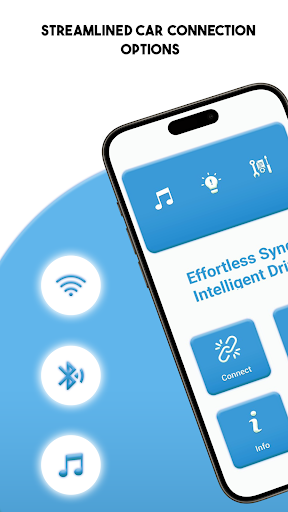
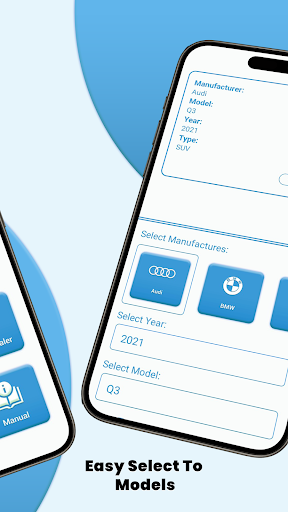
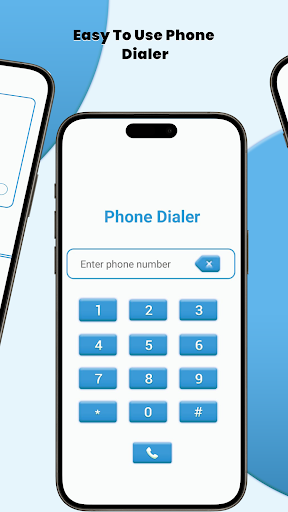
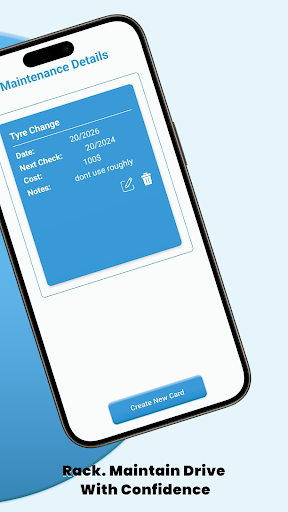
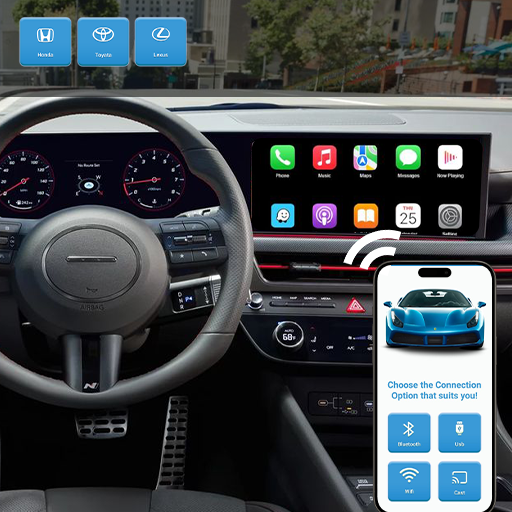
Screen2auto Android is your simple and powerful solution to connect your phone via Bluetooth with a car screen. No cables, no complex setup, just quick pairing and instant connectivity to your car system. This app ensures smooth, safe, and reliable connectivity every time you drive.
Main Features:
• Bluetooth Connection – Wireless setup, fast and hassle-free.
• Quick Pairing – Connect your phone to your car in seconds.
• Reliable Performance – Stable Bluetooth connectivity on the road.
• Safe & Simple – Focus on driving while staying connected.
Why Choose Screen2auto Android?
Many drivers struggle with cables, unstable apps, or confusing setups with smart phone. Screen2auto Android solves this by giving you a clean and wireless Bluetooth connection that works every time. Instead of worrying about wires or compatibility, just pair your device and enjoy smooth access to your car’s system.
Made for Every Driver
Whether you drive daily to work, travel long distances, or simply want a safer way to stay connected on the road, this app is designed for you. With its simple design, quick pairing process, and reliable Bluetooth connection, Screen2auto Android ensures that your car setup is ready within seconds.
Compatibility
• Works with most Android devices.
• Bluetooth-only connection – no cables needed.
Easy Setup
Install Screen2auto Android on your device.
Enable Bluetooth on your phone.
Pair your phone with your car system.
Safe Driving with Bluetooth
Your safety is always the priority. With Screen2auto Android, you don’t need to handle cables or deal with complex menus while driving. Just connect once via Bluetooth, and your car remembers your device for future drives. This means less distraction, faster access, and a safer driving experience overall.
Highlights:
Perfect for drivers who value simplicity and reliability.
Stable Bluetooth connection designed for long journeys.
Quick setup for both new and experienced users.
Works seamlessly across multiple car brands.
Download Screen2auto Android today and enjoy the fastest way to connect your phone via Bluetooth. Drive smarter, safer, and without wires.
더보기

1. 설치 프로그램 다운로드 하시고 설치하십시오

2. 미뮤 실행하고 바탕화면에서 구글 플레이 시작

3. 구글 플레이에서 Screen2Auto Android 검색
Install
4. Screen2Auto Android 다운로드 하시고 설치해 주세요
5. 아이콘 클릭해 주세요

6. Memu Play에서 Screen2Auto Android 사용하기
MEmu Play는 5천만 명의 사용자에게 최고의 안드로이드 앱 경험을 제공하는 무료 안드로이드 에뮬레이터입니다. MEmu의 가상화 기술을 통해 최적의 그래픽 성능을 즐기면서 컴퓨터에서 수많은 안드로이드 앱을 원활하게 실행할 수 있습니다.
최상의 그래픽, 큰 스크린, 배터리, 데이터 걱정 완벽하게 해결.
키보드, 마우스 또는 게임패드를 사용하여 쾌적한 게임 플레이가 가능합니다..
미뮤 멀티를 이용하여 여러 개 게임과 앱을 멀티로 사용할 수 있습니다.
다음 절차에 따라 PC에서 Screen2Auto Android을(를)플레이 할 수 있습니다.