Shroom and Gloom
업데이트 날짜
현재 버전
제공자

모바일 게임을 좋아하십니까? 작은 핸드폰 화면, 배터리, 발열 이슈로 고민하지 말고 이제 미뮤 앱플레이어로 PC에서 제한없이 모바일 게임을 즐겨보세요! 미뮤 앱플레이어에서 키보드와 마우스를 사용하여 잠자고 있든 프로게이머의 잠재력을 깨워보세요. 컴퓨터에서 다운로드 하시고 Shroom and Gloom 설치하세요. 배터리 걱정, 발열 걱정 필요없이 마음껏 즐길수 있습니다; 미뮤 멀티로 무장하여 모바일 게임을 한층 더 재미있게 플레이할 수 있습니다!
더보기
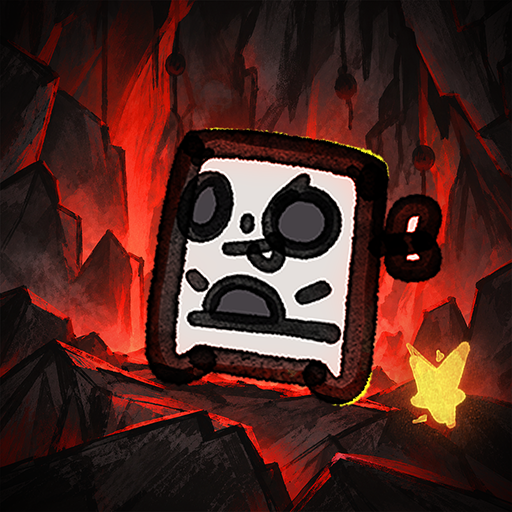
PC에서 미뮤로 Shroom and Gloom 다운로드 하시고 큰 화면으로 플레이 즐기자 Shroom and Gloom is a first-person, roguelike double-deckbuilder that brings you mobs of monstrous mushrooms and mountains of mega-combos!
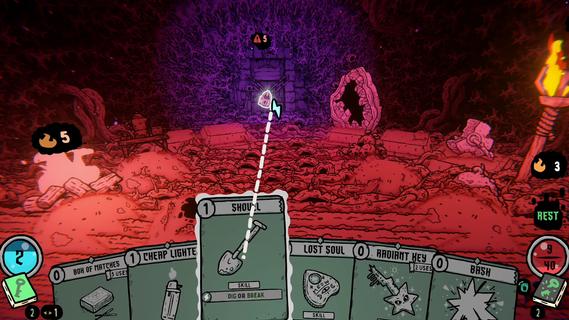
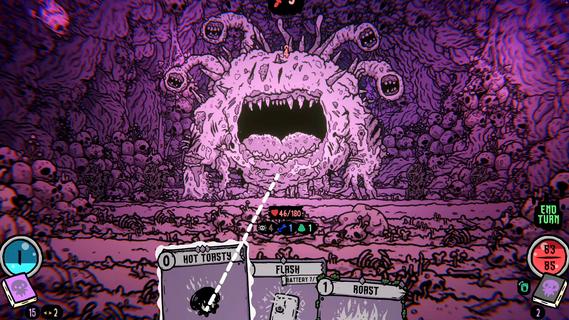
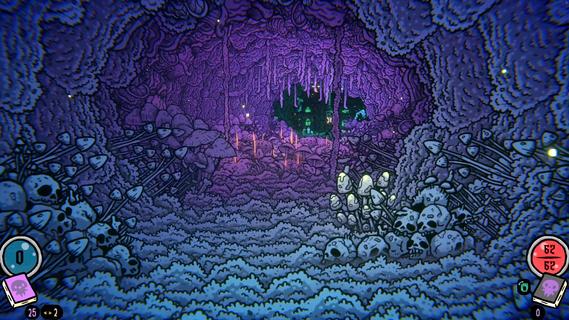
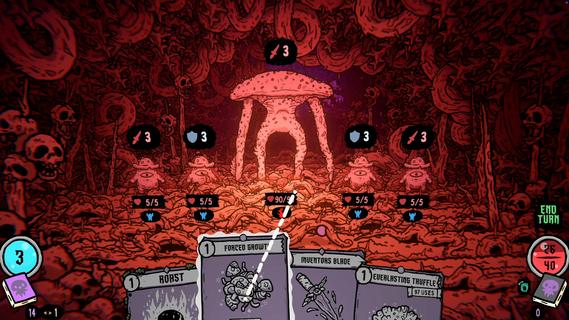
Shroom and Gloom is a first-person, roguelike double-deckbuilder that brings you mobs of monstrous mushrooms and mountains of mega-combos!Unleash hundreds of cards to hack, slash and roast your way through hand drawn dungeons of fungal foes! Build devastating decks, and grow cards into massive abominations as you fight your way into the heart of The Gloom!Double-Deckbuilding!Build 2 distinct decks! Use the combat deck to survive fierce battles! Use the explore deck to navigate dungeons, modify your cards, and unlock new weapons and abilities!Eye-ball melting art!Hand-drawn art and animations collide with dozens of rich 3D spaces, bringing you into a surreal world of mushrooms and madness!Infinite growth and monstrous mega-combos!Shroom and Gloom offers unique ways for players to grow and modify their cards infinitely. Grow low level starting cards into over-powered attacks, or modify rare cards into game-breaking super-weapons!Less blocking, more eating!Why block your enemies when you could eat them instead! Shroom and Gloom features a bounty of ways for you to season, skewer or roast your foes, then eat them to restore lost health. Better yet, throw your roasted enemies into a pot, and cook up some game-changing soups!
더보기

1. 설치 프로그램 다운로드 하시고 설치하십시오

2. 미뮤 실행하고 바탕화면에서 구글 플레이 시작

3. 구글 플레이에서 Shroom and Gloom 검색
Install
4. Shroom and Gloom 다운로드 하시고 설치해 주세요
5. 아이콘 클릭해 주세요

6. 미뮤 앱플레이어로 실행
미뮤 앱플레이어는 무료 안드로이드 에뮬레이터로 5천만명의 유저들에게 최고의 안드로이드 게임 환경을 제공하고 있습니다. 미뮤의 가상화 기술은 수많은 안드로이드 게임을 PC에서 원활하게 구동함과 동시에 최고의 그래픽 퍼포먼스를 느낄수 있습니다.
최상의 그래픽, 큰 스크린, 배터리, 데이터 걱정 완벽하게 해결.
키보드, 마우스 또는 게임패드를 사용하여 쾌적한 게임 플레이가 가능합니다..
미뮤 멀티를 이용하여 여러 개 게임과 앱을 멀티로 사용할 수 있습니다.
다음 절차에 따라 PC에서 Shroom and Gloom을(를)플레이 할 수 있습니다.