Rogue Reigns
업데이트 날짜
현재 버전
제공자

모바일 게임을 좋아하십니까? 작은 핸드폰 화면, 배터리, 발열 이슈로 고민하지 말고 이제 미뮤 앱플레이어로 PC에서 제한없이 모바일 게임을 즐겨보세요! 미뮤 앱플레이어에서 키보드와 마우스를 사용하여 잠자고 있든 프로게이머의 잠재력을 깨워보세요. 컴퓨터에서 다운로드 하시고 Rogue Reigns 설치하세요. 배터리 걱정, 발열 걱정 필요없이 마음껏 즐길수 있습니다; 미뮤 멀티로 무장하여 모바일 게임을 한층 더 재미있게 플레이할 수 있습니다!
더보기
PC에서 미뮤로 Rogue Reigns 다운로드 하시고 큰 화면으로 플레이 즐기자 A DARK FANTASY ROGUELIKE DECKBUILDER ABOUT TRUST AND SACRIFICE.
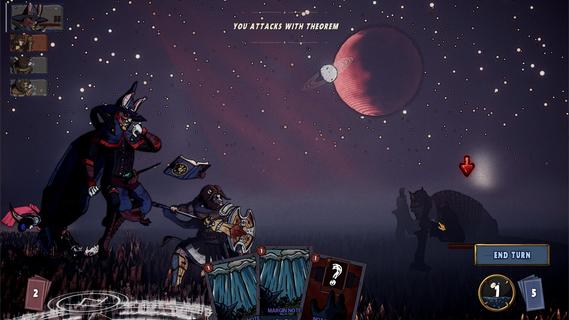
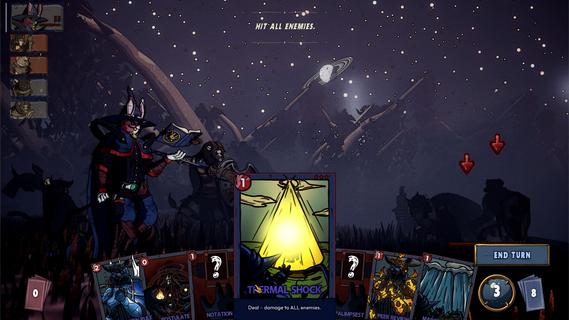
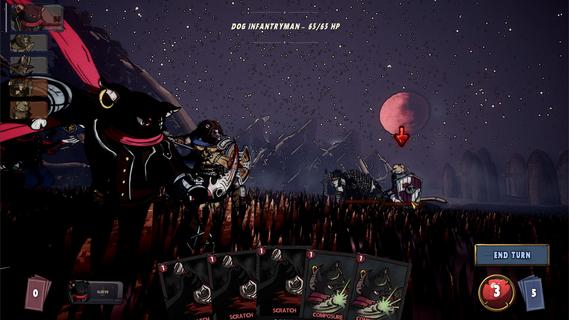
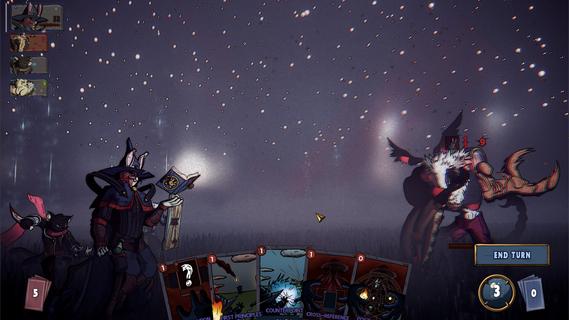
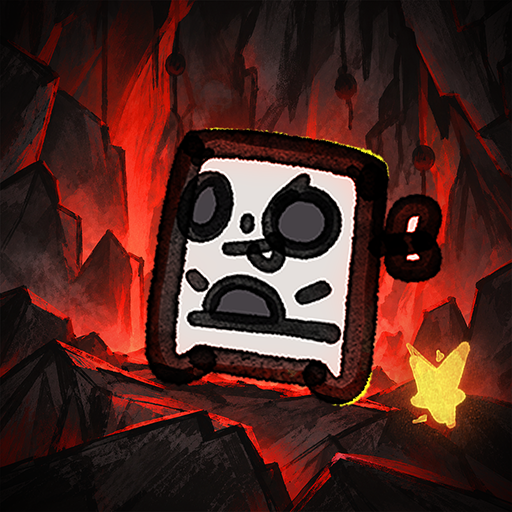
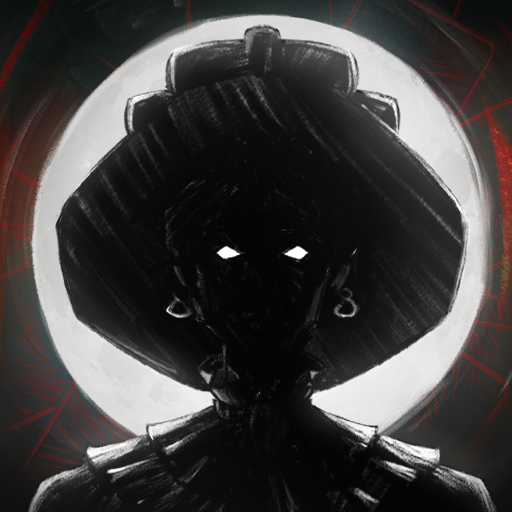
A DARK FANTASY ROGUELIKE DECKBUILDER ABOUT TRUST AND SACRIFICE.A grieving bear, a guilty lion, a scheming cat, and a rabbit who knows too much.Their abilities interlock. What one sets up, another finishes. Their motives don't.Every card you give one is a card you took from another. Strengthen one and another starves.Their synergies are fragile. Their resentment isn't.The party holds together only as long as you force it;And the run will force you to choose between them.It doesn't wait at the end of the map. It stalks you across it.The sky dims. The road goes quiet. Read the signs or get caught.Every fall sends you back, scarred and stitched. But this one is different.When it finds you, that fall is permanent.A queen who fused with the dead to shelter them.A prince who starved until he devoured the battlefield.A princess who sewed her dead lover to her own flesh.You learn who they were when they kill you.PARTY DECKBUILDINGFour decks, one fight. Combos and synergies run across your whole party.CROSS-CHARACTERS PAYOFFSYour finishers enter allies' decks. Your setup is their payoff.TRUST AND SACRIFICEFavor a champion and they grow. Neglect one and face the consequences.A STALKERHunts you across the map. Miss the signs and fall for real.MULTIPLE ENDINGSWho you trusted and who you sacrificed determines how it ends.HAND-DRAWN CHARACTERSEvery frame animated by hand.ANIMATED CARDSEvery card brought to life with hand-crafted animation.
더보기

1. 설치 프로그램 다운로드 하시고 설치하십시오

2. 미뮤 실행하고 바탕화면에서 구글 플레이 시작

3. 구글 플레이에서 Rogue Reigns 검색
Install
4. Rogue Reigns 다운로드 하시고 설치해 주세요
5. 아이콘 클릭해 주세요

6. 미뮤 앱플레이어로 실행
미뮤 앱플레이어는 무료 안드로이드 에뮬레이터로 5천만명의 유저들에게 최고의 안드로이드 게임 환경을 제공하고 있습니다. 미뮤의 가상화 기술은 수많은 안드로이드 게임을 PC에서 원활하게 구동함과 동시에 최고의 그래픽 퍼포먼스를 느낄수 있습니다.
최상의 그래픽, 큰 스크린, 배터리, 데이터 걱정 완벽하게 해결.
키보드, 마우스 또는 게임패드를 사용하여 쾌적한 게임 플레이가 가능합니다..
미뮤 멀티를 이용하여 여러 개 게임과 앱을 멀티로 사용할 수 있습니다.
다음 절차에 따라 PC에서 Rogue Reigns을(를)플레이 할 수 있습니다.