Ragnarok: Rebirth
업데이트 날짜
현재 버전
제공자

모바일 게임을 좋아하십니까? 작은 핸드폰 화면, 배터리, 발열 이슈로 고민하지 말고 이제 미뮤 앱플레이어로 PC에서 제한없이 모바일 게임을 즐겨보세요! 미뮤 앱플레이어에서 키보드와 마우스를 사용하여 잠자고 있든 프로게이머의 잠재력을 깨워보세요. 컴퓨터에서 다운로드 하시고 Ragnarok: Rebirth 설치하세요. 배터리 걱정, 발열 걱정 필요없이 마음껏 즐길수 있습니다; 미뮤 멀티로 무장하여 모바일 게임을 한층 더 재미있게 플레이할 수 있습니다!
더보기
PC에서 미뮤로 Ragnarok: Rebirth 다운로드 하시고 큰 화면으로 플레이 즐기자 Officially licensed by Gravity.
Officially licensed by Gravity.
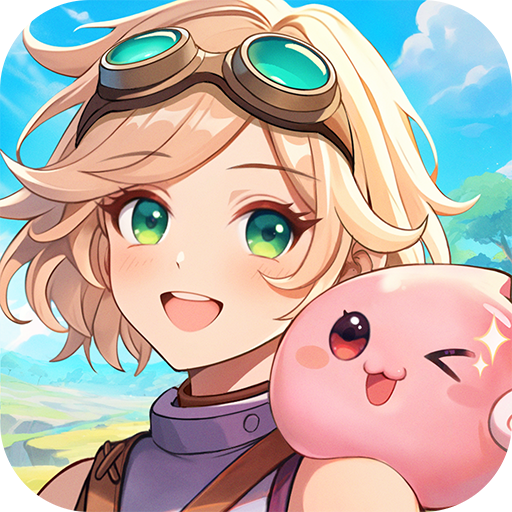
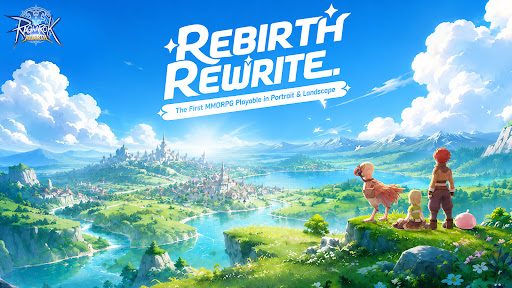
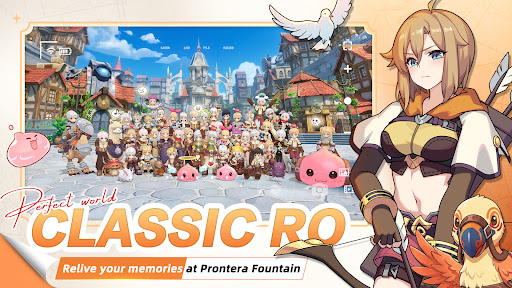
Midgard is back — rebuilt from the ground up, and it feels exactly like you remember.
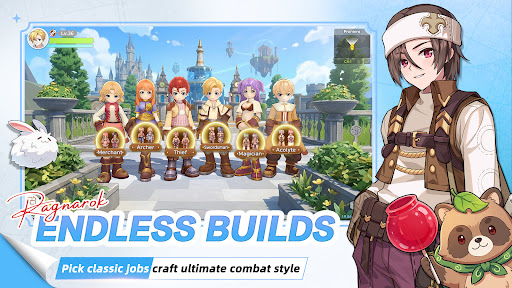
Six Classes
Relive the maps, the monsters, the madness. Six iconic classes return, and this time there are no locked paths. Customize your skills, switch jobs freely, and build the character you always wanted to play.
MVP Hunt
MVPs aren't just bosses here — they're your hunting grounds. Take them down and walk away with rare cards, exclusive headgear, and loot that actually means something on the server.
Serverwide Auctions
Rare gear enters Diamond Auctions, with open bidding, secret bids, and final PK rounds. Watch intense serverwide auctions, send gifts to cheer bidders on, and see who claims the legendary loot.
Pet Dispatch EXP
Send your pets on dispatch, close the app, and come back to EXP for your character. No monster grinding for levels — your pet squad does the leveling work for you.
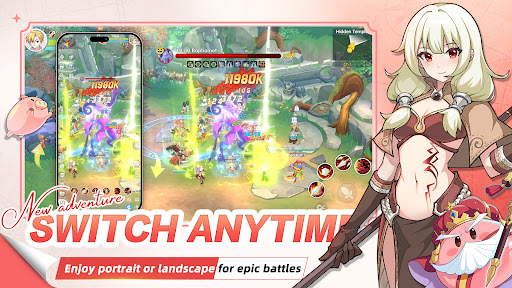
Play Your Way
Portrait or landscape — switch in one second. Whether you have five minutes or five hours, the game fits around you.
The legend you grew up with. Reborn.
Your guild is waiting.
더보기

1. 설치 프로그램 다운로드 하시고 설치하십시오

2. 미뮤 실행하고 바탕화면에서 구글 플레이 시작

3. 구글 플레이에서 Ragnarok: Rebirth 검색
Install
4. Ragnarok: Rebirth 다운로드 하시고 설치해 주세요
5. 아이콘 클릭해 주세요

6. 미뮤 앱플레이어로 실행
미뮤 앱플레이어는 무료 안드로이드 에뮬레이터로 5천만명의 유저들에게 최고의 안드로이드 게임 환경을 제공하고 있습니다. 미뮤의 가상화 기술은 수많은 안드로이드 게임을 PC에서 원활하게 구동함과 동시에 최고의 그래픽 퍼포먼스를 느낄수 있습니다.
최상의 그래픽, 큰 스크린, 배터리, 데이터 걱정 완벽하게 해결.
키보드, 마우스 또는 게임패드를 사용하여 쾌적한 게임 플레이가 가능합니다..
미뮤 멀티를 이용하여 여러 개 게임과 앱을 멀티로 사용할 수 있습니다.
다음 절차에 따라 PC에서 Ragnarok: Rebirth을(를)플레이 할 수 있습니다.