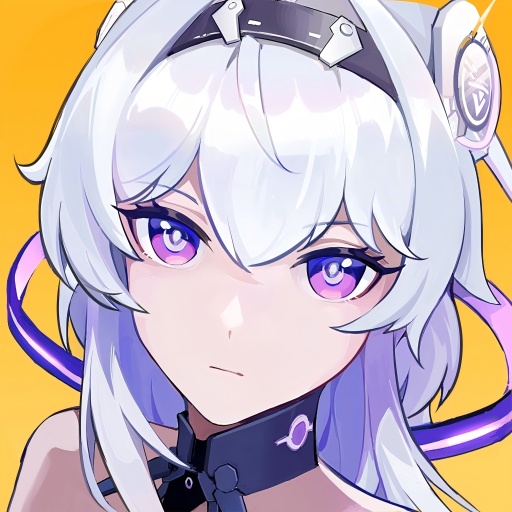
Girls Echo
업데이트 날짜
현재 버전
제공자

모바일 게임을 좋아하십니까? 작은 핸드폰 화면, 배터리, 발열 이슈로 고민하지 말고 이제 미뮤 앱플레이어로 PC에서 제한없이 모바일 게임을 즐겨보세요! 미뮤 앱플레이어에서 키보드와 마우스를 사용하여 잠자고 있든 프로게이머의 잠재력을 깨워보세요. 컴퓨터에서 다운로드 하시고 Girls Echo 설치하세요. 배터리 걱정, 발열 걱정 필요없이 마음껏 즐길수 있습니다; 미뮤 멀티로 무장하여 모바일 게임을 한층 더 재미있게 플레이할 수 있습니다!
더보기
PC에서 미뮤로 Girls Echo 다운로드 하시고 큰 화면으로 플레이 즐기자 "Two worlds.
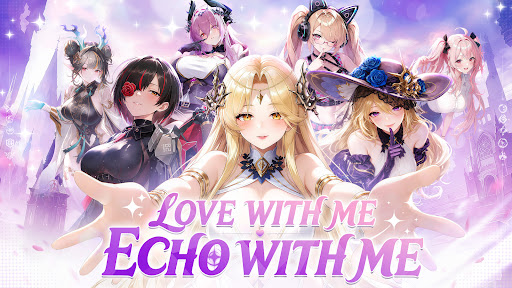
"Two worlds. One fate. A story waiting to be rewritten.
A mysterious catastrophe is tearing apart the boundary between the real world and the ancient realm of Shenzhou. As powerful Phantoms from forgotten eras and legends begin to emerge, an ancient enemy threatens to erase everything you know."
"The ancient pact has awakened.
Will you like to enter into a covenant of love with the goddesses?"
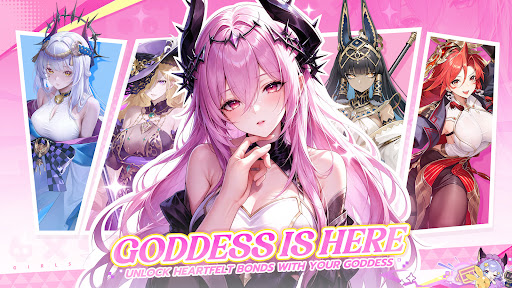
"Bring Goddess to Life
Meet beautifully animated Goddess with stunning visuals, expressive animations, and incredible attention to detail."
"Build! Battle! Grow!
Create your dream Goddess team, set your strategy, and let your girls grow even while you’re offline."
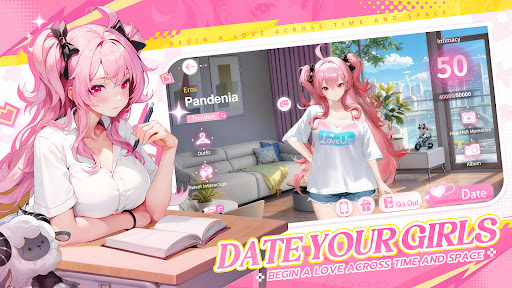
"Date Your Goddesses
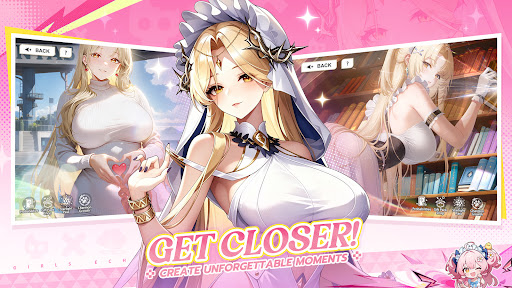
Step beyond the battlefield and spend time with the Goddesses in intimate real-life dates. Deepen your relationship, unlock special moments, and discover exclusive CG endings."
"Bonds That Make You Stronger
Build a deeper bond with your favorite Goddesses through battles and dates. The closer you become, the stronger they grow—turning your connection into real power on the battlefield."
더보기

1. 설치 프로그램 다운로드 하시고 설치하십시오

2. 미뮤 실행하고 바탕화면에서 구글 플레이 시작

3. 구글 플레이에서 Girls Echo 검색
Install
4. Girls Echo 다운로드 하시고 설치해 주세요
5. 아이콘 클릭해 주세요

6. 미뮤 앱플레이어로 실행
미뮤 앱플레이어는 무료 안드로이드 에뮬레이터로 5천만명의 유저들에게 최고의 안드로이드 게임 환경을 제공하고 있습니다. 미뮤의 가상화 기술은 수많은 안드로이드 게임을 PC에서 원활하게 구동함과 동시에 최고의 그래픽 퍼포먼스를 느낄수 있습니다.
최상의 그래픽, 큰 스크린, 배터리, 데이터 걱정 완벽하게 해결.
키보드, 마우스 또는 게임패드를 사용하여 쾌적한 게임 플레이가 가능합니다..
미뮤 멀티를 이용하여 여러 개 게임과 앱을 멀티로 사용할 수 있습니다.
다음 절차에 따라 PC에서 Girls Echo을(를)플레이 할 수 있습니다.