Armored Frontline: Warzone
업데이트 날짜
현재 버전
1.0.19
제공자

모바일 게임을 좋아하십니까? 작은 핸드폰 화면, 배터리, 발열 이슈로 고민하지 말고 이제 미뮤 앱플레이어로 PC에서 제한없이 모바일 게임을 즐겨보세요! 미뮤 앱플레이어에서 키보드와 마우스를 사용하여 잠자고 있든 프로게이머의 잠재력을 깨워보세요. 컴퓨터에서 다운로드 하시고 Armored Frontline: Warzone 설치하세요. 배터리 걱정, 발열 걱정 필요없이 마음껏 즐길수 있습니다; 미뮤 멀티로 무장하여 모바일 게임을 한층 더 재미있게 플레이할 수 있습니다!
더보기
PC에서 미뮤로 Armored Frontline: Warzone 다운로드 하시고 큰 화면으로 플레이 즐기자 ■■Game Introduction■■.
■■Game Introduction■■
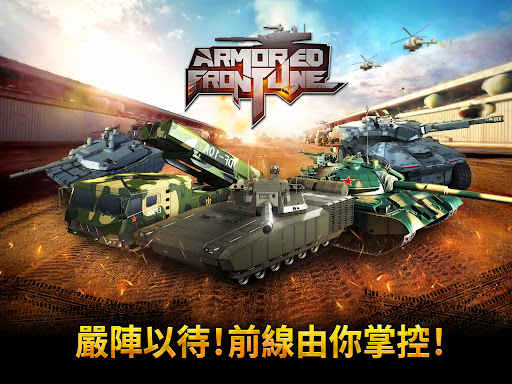
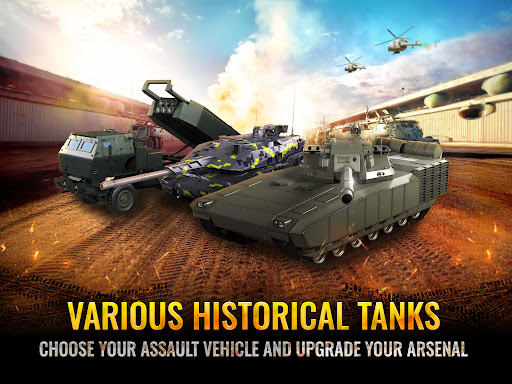
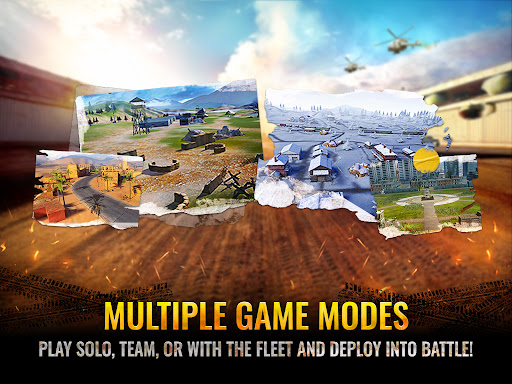
Armored Frontline: Warzone is mobile vehicle combat arcade game with a large variety of tanks players and combat to play in.
▶ Epic Large-Scale Battles with Intense Action
Participate in enormous war battles and take down powerful enemies!
Claim victory in battles to unlock powerful rewards and rise as the ultimate champion.
▶ Powerful Battle Tanks Ready for Combat
Dominate the battlefield with the powerful tanks at your command.
Collect, upgrade, and command a powerful fleet of tanks to lead you to victory.
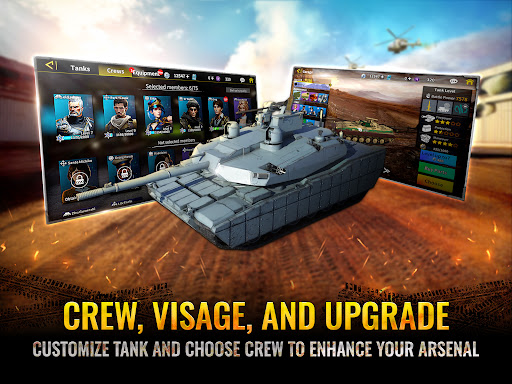
▶ Crew & Equipment System for Enhanced Combat Performance
Improve your tank’s capabilities with expert crews and advanced equipment.
▶ Advanced Skill System for Tactical Dominance
Experience the power of each tank’s unique attack abilities and feel the excitement with every explosive shot.
▶ Tank Appearance Customization and Upgrades
Make your tank stand out with custom paint and unique camouflage designs.
▶ User-Friendly Battle Controls for Seamless Combat Experience
With advanced modern warfare technology, target lock assists you in aiming at opponents with greater precision on the battlefield.
Experience high-quality, console-level action gameplay right at your fingertips!
더보기

1. 설치 프로그램 다운로드 하시고 설치하십시오

2. 미뮤 실행하고 바탕화면에서 구글 플레이 시작

3. 구글 플레이에서 Armored Frontline: Warzone 검색
Install
4. Armored Frontline: Warzone 다운로드 하시고 설치해 주세요
5. 아이콘 클릭해 주세요

6. 미뮤 앱플레이어로 실행
미뮤 앱플레이어는 무료 안드로이드 에뮬레이터로 5천만명의 유저들에게 최고의 안드로이드 게임 환경을 제공하고 있습니다. 미뮤의 가상화 기술은 수많은 안드로이드 게임을 PC에서 원활하게 구동함과 동시에 최고의 그래픽 퍼포먼스를 느낄수 있습니다.
최상의 그래픽, 큰 스크린, 배터리, 데이터 걱정 완벽하게 해결.
키보드, 마우스 또는 게임패드를 사용하여 쾌적한 게임 플레이가 가능합니다..
미뮤 멀티를 이용하여 여러 개 게임과 앱을 멀티로 사용할 수 있습니다.
다음 절차에 따라 PC에서 Armored Frontline: Warzone을(를)플레이 할 수 있습니다.