Veterum
업데이트 날짜
현재 버전
제공자

모바일 게임을 좋아하십니까? 작은 핸드폰 화면, 배터리, 발열 이슈로 고민하지 말고 이제 미뮤 앱플레이어로 PC에서 제한없이 모바일 게임을 즐겨보세요! 미뮤 앱플레이어에서 키보드와 마우스를 사용하여 잠자고 있든 프로게이머의 잠재력을 깨워보세요. 컴퓨터에서 다운로드 하시고 Veterum 설치하세요. 배터리 걱정, 발열 걱정 필요없이 마음껏 즐길수 있습니다; 미뮤 멀티로 무장하여 모바일 게임을 한층 더 재미있게 플레이할 수 있습니다!
더보기
PC에서 미뮤로 Veterum 다운로드 하시고 큰 화면으로 플레이 즐기자 Turn-based tactical strategy with a detailed combat system and interactive environment.


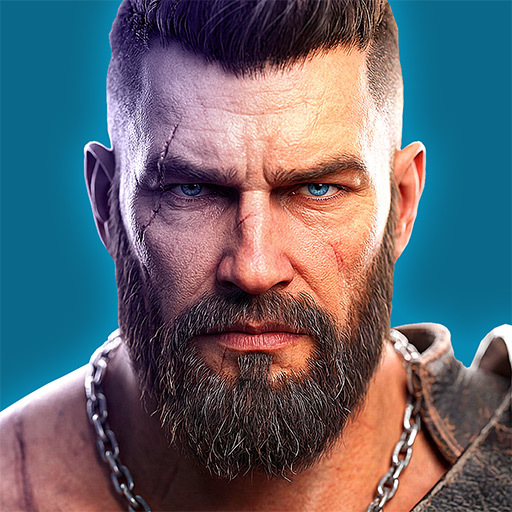
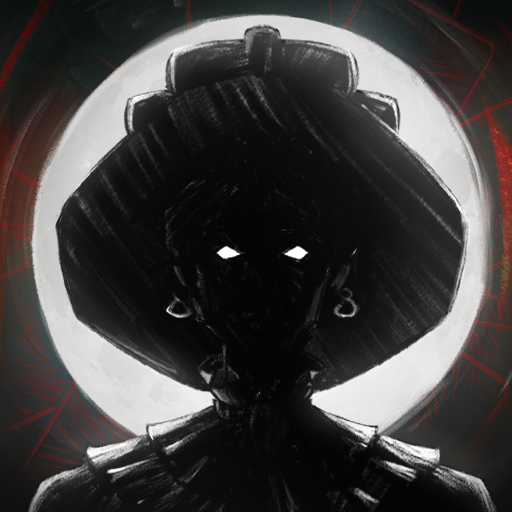
Turn-based tactical strategy with a detailed combat system and interactive environment. Explore the open world, complete quests, search for rare artifacts. Lead the last army of the Order of the Gatekeepers and stop the coming chaos!Ancient wilds have awakened. Insane prophets predict a coming apocalypse. Blood cults openly perform sacrifices... You will lead the last army of the Order of the Gatekeepers and stop the coming chaos. Not just humans are ready to join your banners, but also tough dwarves, mysterious elvers and half-wild turans. But keep in mind that not everyone will be happy to fight side by side with other races.Travel across an open world full of mysteries and dangers. Complete quests. Find rare artifacts and equip your soldiers with them. Improve unit stats, learn new active and passive skills.Show your tactical genius in challenging turn-based battles. For each battle, choose the fighters who are most suited to take on specific opponents. Consider unit line of sight, facing, morale and accumulated fatigue. Change the battlefield: build barricades, dig ditches, freeze rivers, chop down trees. When fighting night creatures, make fire and light the battlefield. Crush your enemies with all the power of iron and magic!⢠Detailed combat system takes into account unit morale and fatigue, as well as facing and line of sight, level of illumination of each cell of the battlefield, weather effects and much more.⢠Interactive environment: almost every object on the battlefield can be interacted with.⢠Before the start of the battle, you can use one-time scrolls to make it rain, poison enemies or build a catapult.⢠Open world: despite the presence of a story campaign, you decide where to send your army.⢠Each playthrough is unique: quests, random battles, goods in cities and much more are all randomly generated.⢠Ability to adjust the game to your liking: choose the overall difficulty level plus adjust hit chance, the amount of HP, rewards received and much more.⢠Convenient unit and map editor. You can create your own missions and share them with other players.
더보기

1. 설치 프로그램 다운로드 하시고 설치하십시오

2. 미뮤 실행하고 바탕화면에서 구글 플레이 시작

3. 구글 플레이에서 Veterum 검색
Install
4. Veterum 다운로드 하시고 설치해 주세요
5. 아이콘 클릭해 주세요

6. 미뮤 앱플레이어로 실행
미뮤 앱플레이어는 무료 안드로이드 에뮬레이터로 5천만명의 유저들에게 최고의 안드로이드 게임 환경을 제공하고 있습니다. 미뮤의 가상화 기술은 수많은 안드로이드 게임을 PC에서 원활하게 구동함과 동시에 최고의 그래픽 퍼포먼스를 느낄수 있습니다.
최상의 그래픽, 큰 스크린, 배터리, 데이터 걱정 완벽하게 해결.
키보드, 마우스 또는 게임패드를 사용하여 쾌적한 게임 플레이가 가능합니다..
미뮤 멀티를 이용하여 여러 개 게임과 앱을 멀티로 사용할 수 있습니다.
다음 절차에 따라 PC에서 Veterum을(를)플레이 할 수 있습니다.