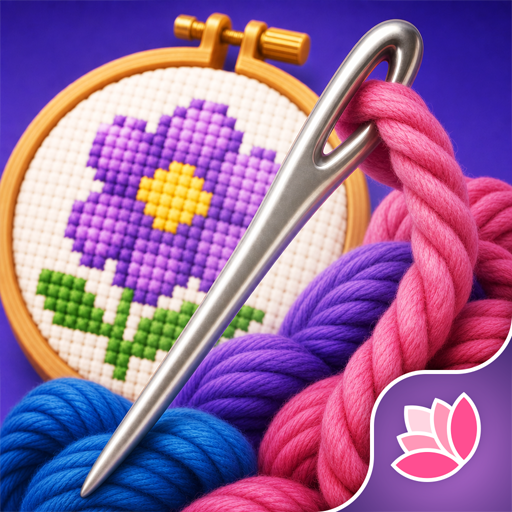
Cross Stitch: Antistress
업데이트 날짜
현재 버전
제공자

모바일 게임을 좋아하십니까? 작은 핸드폰 화면, 배터리, 발열 이슈로 고민하지 말고 이제 미뮤 앱플레이어로 PC에서 제한없이 모바일 게임을 즐겨보세요! 미뮤 앱플레이어에서 키보드와 마우스를 사용하여 잠자고 있든 프로게이머의 잠재력을 깨워보세요. 컴퓨터에서 다운로드 하시고 Cross Stitch: Antistress 설치하세요. 배터리 걱정, 발열 걱정 필요없이 마음껏 즐길수 있습니다; 미뮤 멀티로 무장하여 모바일 게임을 한층 더 재미있게 플레이할 수 있습니다!
더보기
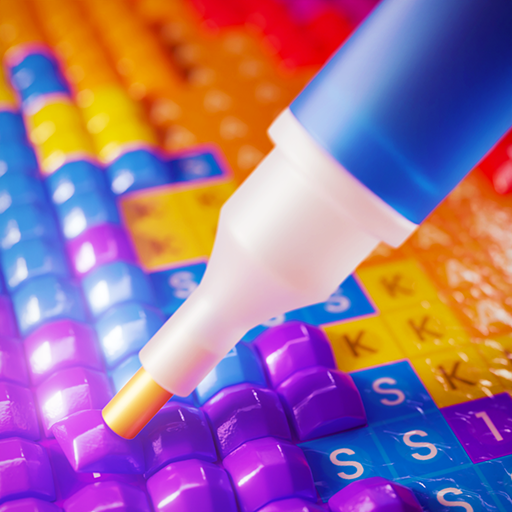
PC에서 미뮤로 Cross Stitch: Antistress 다운로드 하시고 큰 화면으로 플레이 즐기자 Cross Stitch: Antistress digitizes one of the world's most beloved needlework traditions - and bridges it back to the physical world.
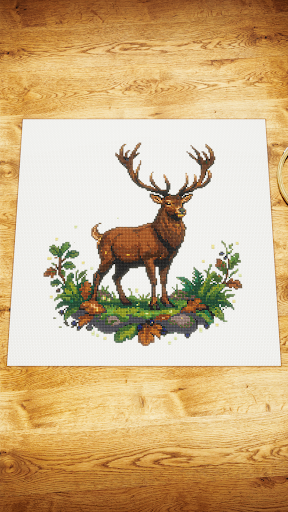
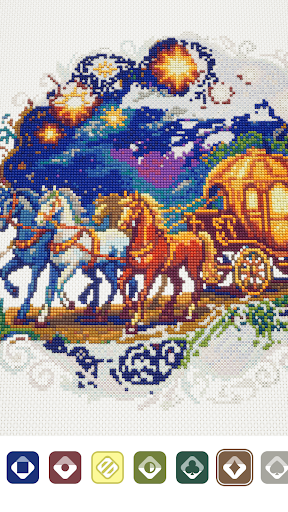
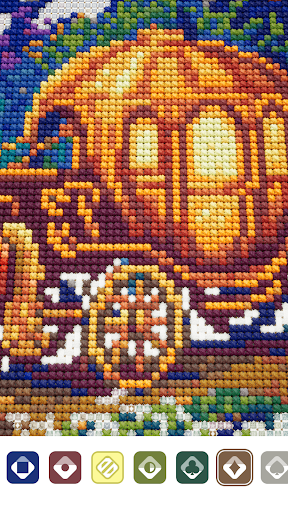
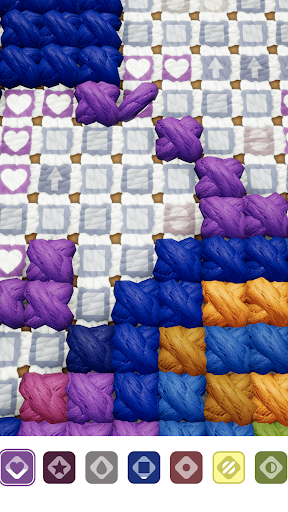
Cross Stitch: Antistress digitizes one of the world's most beloved needlework traditions - and bridges it back to the physical world.
Following our hit Diamond Painting: Antistress, this is the next chapter in the Antistress Games universe: a portfolio of mobile experiences that transform real-world creative hobbies into therapeutic digital rituals enjoyed by millions.
Three things set this launch apart:
Hyperrealistic, not pixel art. We've built Cross Stitch: Antistress with photorealistic linen canvas, 3D thread textures, and tactile stitch animations.
Authentic content. Patterns and DMC thread palettes match what real cross stitchers use IRL - the kind you'd find on Etsy or in a craft store.
Digital unlocks physical. Complete an artwork in the app and earn its free printable PDF pattern - ready to stitch on real fabric with real thread.
Zero anxiety by design. No timers, no lives, no fail states!
더보기

1. 설치 프로그램 다운로드 하시고 설치하십시오

2. 미뮤 실행하고 바탕화면에서 구글 플레이 시작

3. 구글 플레이에서 Cross Stitch: Antistress 검색
Install
4. Cross Stitch: Antistress 다운로드 하시고 설치해 주세요
5. 아이콘 클릭해 주세요

6. 미뮤 앱플레이어로 실행
미뮤 앱플레이어는 무료 안드로이드 에뮬레이터로 5천만명의 유저들에게 최고의 안드로이드 게임 환경을 제공하고 있습니다. 미뮤의 가상화 기술은 수많은 안드로이드 게임을 PC에서 원활하게 구동함과 동시에 최고의 그래픽 퍼포먼스를 느낄수 있습니다.
최상의 그래픽, 큰 스크린, 배터리, 데이터 걱정 완벽하게 해결.
키보드, 마우스 또는 게임패드를 사용하여 쾌적한 게임 플레이가 가능합니다..
미뮤 멀티를 이용하여 여러 개 게임과 앱을 멀티로 사용할 수 있습니다.
다음 절차에 따라 PC에서 Cross Stitch: Antistress을(를)플레이 할 수 있습니다.