Word Search
업데이트 날짜
현재 버전
2.33 STUDIO
제공자

모바일 게임을 좋아하십니까? 작은 핸드폰 화면, 배터리, 발열 이슈로 고민하지 말고 이제 미뮤 앱플레이어로 PC에서 제한없이 모바일 게임을 즐겨보세요! 미뮤 앱플레이어에서 키보드와 마우스를 사용하여 잠자고 있든 프로게이머의 잠재력을 깨워보세요. 컴퓨터에서 다운로드 하시고 Word Search 설치하세요. 배터리 걱정, 발열 걱정 필요없이 마음껏 즐길수 있습니다; 미뮤 멀티로 무장하여 모바일 게임을 한층 더 재미있게 플레이할 수 있습니다!
더보기
PC에서 미뮤로 Word Search 다운로드 하시고 큰 화면으로 플레이 즐기자 WORD SEARCH PUZZLE IN ENGLISH:.
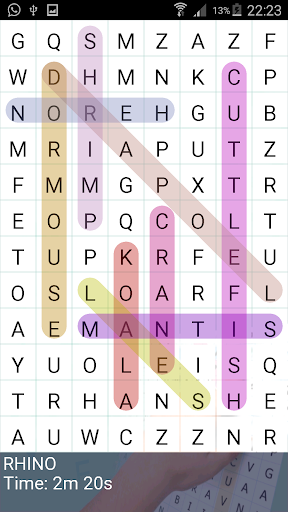
WORD SEARCH PUZZLE IN ENGLISH:
Welcome to the best auto-generated word search application for Android:
The Word Search of NotyxGames is ideal for hours of entertainment and train our mind. It is suitable for both adults and children, since the game includes topics as "Kids", created especially for them.
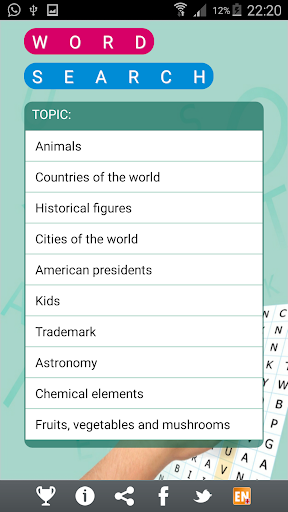
1.- Word search has 10 items to choose from:
- Animals
- Countries of the World
- Historical figures
- Cities of the World
- American presidents
- English for beginers
- Trademarks
- Astronomy
- Chemical elements
- Fruits, vegetables and mushrooms
- Symbols
- Numbers
- Roman numerals
2.- Word search has six levels of difficulty:
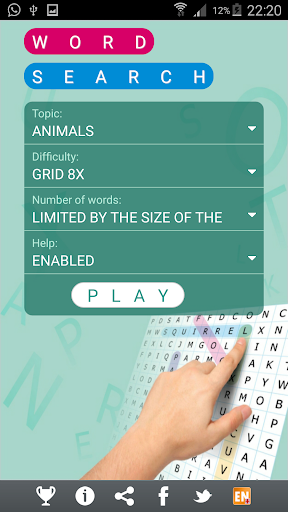
- Very easy (grid 6x)
- Easy ( Grid 8x)
- Normal (Grid 10x)
- Difficult (Grid 15x)
- Very difficult (Grid 20x)
- Auto adjust
3.- Word search has two game modes:
- List of words (words to find the slopes shown)
- Remaining number of words (the number of words to find earrings shown)
4.- Has two methods of self-generation:
- The maximum number possible (the board is filled with the maximum number of words)
- Limited (the board is filled with a number proportional to the size of the words)
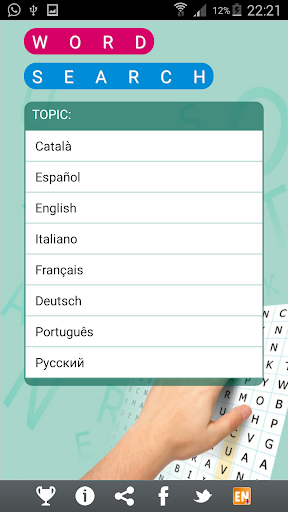
5.- Is available in many languages:
- Catalan
- Spanish
- English
- Italian
- French
- Deutsch
- Portuguese
THE GAME: WORD SEARCH
Choose the difficult..... and you can play.
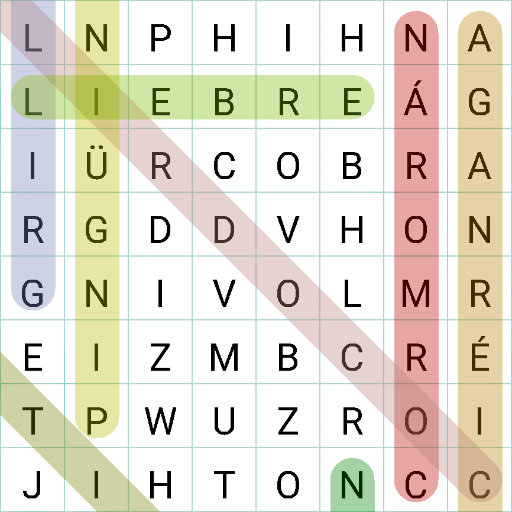
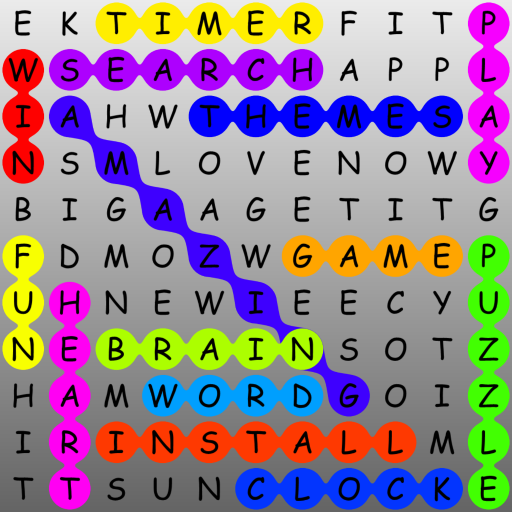
Gameplay is very simple; because they are hidden words in a grid of cells filled with letters.
All you have to do is search for a word, and when you find one, mark it with the finger from the first letter to the last. By doing so, if the word is correct it will be marked with a distinctive color and you'll can search the next
The palindrome words, that is, which is also read from right to left and left to right, starting can be labeled either ends.
NOTE: Sometimes are generated at random, unexpected words; especially if they are very short (2 or 3 letters); on these occasions, if the word appears in the dictionary of the topic, when you mark the word, this is added to the list of words and is marked with a distinctive colour.
SCORE
Complete the game, calculates your score and stores your best times.
INFINITE GAME
Also, if you can not finish the game, do not worry, when you get back can choose to start a new game or continue the game as you left it.
ABOUT US:
Word Search application is a completely free product that you can download and play without any restrictions.
2015 @ NotyxGames (Notyx Games)
더보기

1. 설치 프로그램 다운로드 하시고 설치하십시오

2. 미뮤 실행하고 바탕화면에서 구글 플레이 시작

3. 구글 플레이에서 Word Search 검색
Install
4. Word Search 다운로드 하시고 설치해 주세요
5. 아이콘 클릭해 주세요

6. 미뮤 앱플레이어로 실행
미뮤 앱플레이어는 무료 안드로이드 에뮬레이터로 5천만명의 유저들에게 최고의 안드로이드 게임 환경을 제공하고 있습니다. 미뮤의 가상화 기술은 수많은 안드로이드 게임을 PC에서 원활하게 구동함과 동시에 최고의 그래픽 퍼포먼스를 느낄수 있습니다.
최상의 그래픽, 큰 스크린, 배터리, 데이터 걱정 완벽하게 해결.
키보드, 마우스 또는 게임패드를 사용하여 쾌적한 게임 플레이가 가능합니다..
미뮤 멀티를 이용하여 여러 개 게임과 앱을 멀티로 사용할 수 있습니다.
다음 절차에 따라 PC에서 Word Search을(를)플레이 할 수 있습니다.