BLIGHTEN
업데이트 날짜
현재 버전
제공자

모바일 게임을 좋아하십니까? 작은 핸드폰 화면, 배터리, 발열 이슈로 고민하지 말고 이제 미뮤 앱플레이어로 PC에서 제한없이 모바일 게임을 즐겨보세요! 미뮤 앱플레이어에서 키보드와 마우스를 사용하여 잠자고 있든 프로게이머의 잠재력을 깨워보세요. 컴퓨터에서 다운로드 하시고 BLIGHTEN 설치하세요. 배터리 걱정, 발열 걱정 필요없이 마음껏 즐길수 있습니다; 미뮤 멀티로 무장하여 모바일 게임을 한층 더 재미있게 플레이할 수 있습니다!
더보기
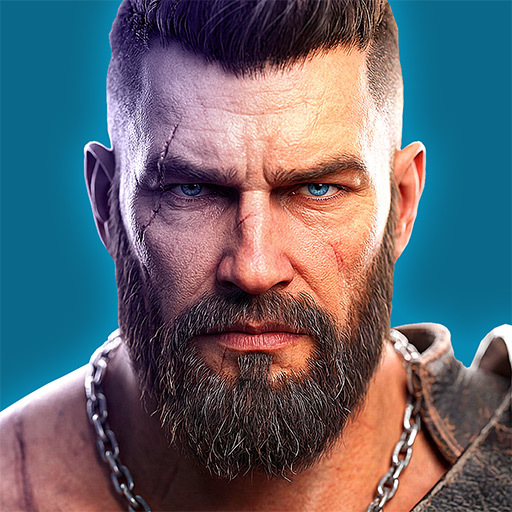
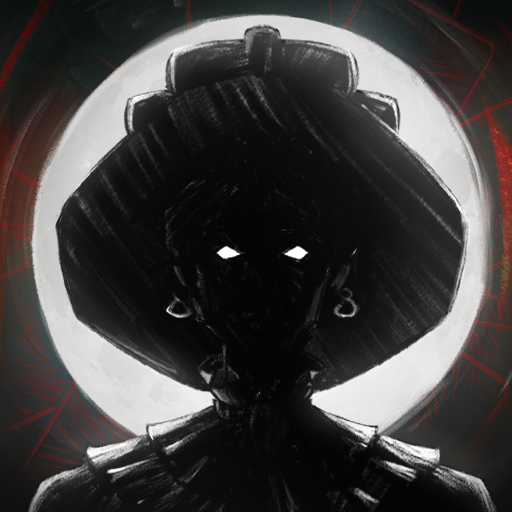
PC에서 미뮤로 BLIGHTEN 다운로드 하시고 큰 화면으로 플레이 즐기자 BLIGHTEN is an intense first person survival horror game with grim retro style graphics.


BLIGHTEN is an intense first person survival horror game with grim retro style graphics.Selected to eliminate the last rebels in the eastern wastes, you find yourself lost with your team slaughtered. Now alone you must navigate through the Blight ridden hallways of the facility, explore every room for resources and weapons in an extensive and explorable level based map.Brutal Combat and Resource ManagementArm yourself with an extensive arsenal of various firearms from shotguns to assault rifles, a weapon perfect for every situation. Take part in dynamic and addictive gun play as you take down various mutated horrors throughout the mega structure. Find parts and ammo and make every shot count.Key Features:Immersive Retro Atmosphere: Hand drawn enemy sprites and animation in a 3D retro world creates a unique and dynamic atmosphere while still being fateful to classic retro graphics.Deep and Dark Narrative: As you descend deeper into the decaying facility, an unseen evil lurks in the shadows of the facility, shaping the horrors around you. As you navigate this industrial nightmare, every Blightened creature slain is a grim reminder to what you've lost â and the things you're fighting for.Ammo Management: Ammo and resources are limited, make every shot count, your survival depends upon quick thinking and inventive thinking.Face Blightened Foes: Engage in combat with the blight ridden creatures navigating the facility, each with their own unique abilities and traits.
더보기

1. 설치 프로그램 다운로드 하시고 설치하십시오

2. 미뮤 실행하고 바탕화면에서 구글 플레이 시작

3. 구글 플레이에서 BLIGHTEN 검색
Install
4. BLIGHTEN 다운로드 하시고 설치해 주세요
5. 아이콘 클릭해 주세요

6. 미뮤 앱플레이어로 실행
미뮤 앱플레이어는 무료 안드로이드 에뮬레이터로 5천만명의 유저들에게 최고의 안드로이드 게임 환경을 제공하고 있습니다. 미뮤의 가상화 기술은 수많은 안드로이드 게임을 PC에서 원활하게 구동함과 동시에 최고의 그래픽 퍼포먼스를 느낄수 있습니다.
최상의 그래픽, 큰 스크린, 배터리, 데이터 걱정 완벽하게 해결.
키보드, 마우스 또는 게임패드를 사용하여 쾌적한 게임 플레이가 가능합니다..
미뮤 멀티를 이용하여 여러 개 게임과 앱을 멀티로 사용할 수 있습니다.
다음 절차에 따라 PC에서 BLIGHTEN을(를)플레이 할 수 있습니다.