MECCHA CHAMELEON PC 무료 다운로드
 |
|
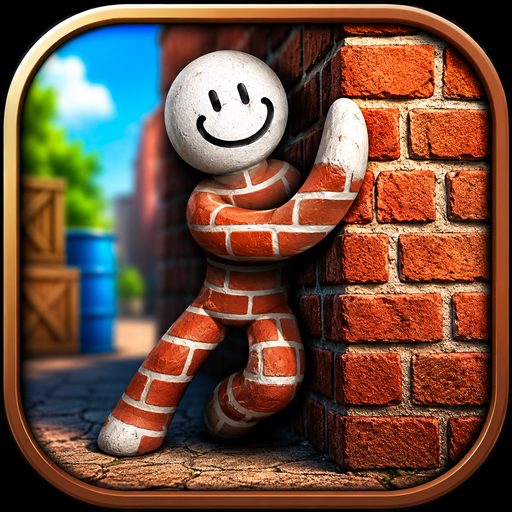
클래식 숨바꼭질 공식에 신선하고 웃음 가득하며 스릴 넘치는 트위스트를 찾고 계신가요? 더 이상 찾지 마세요. 바로 MECCHA CHAMELEON, 게임계를 휩쓴 멀티플레이어 캐주얼 게임의 센세이션입니다!
MECCHA CHAMELEON
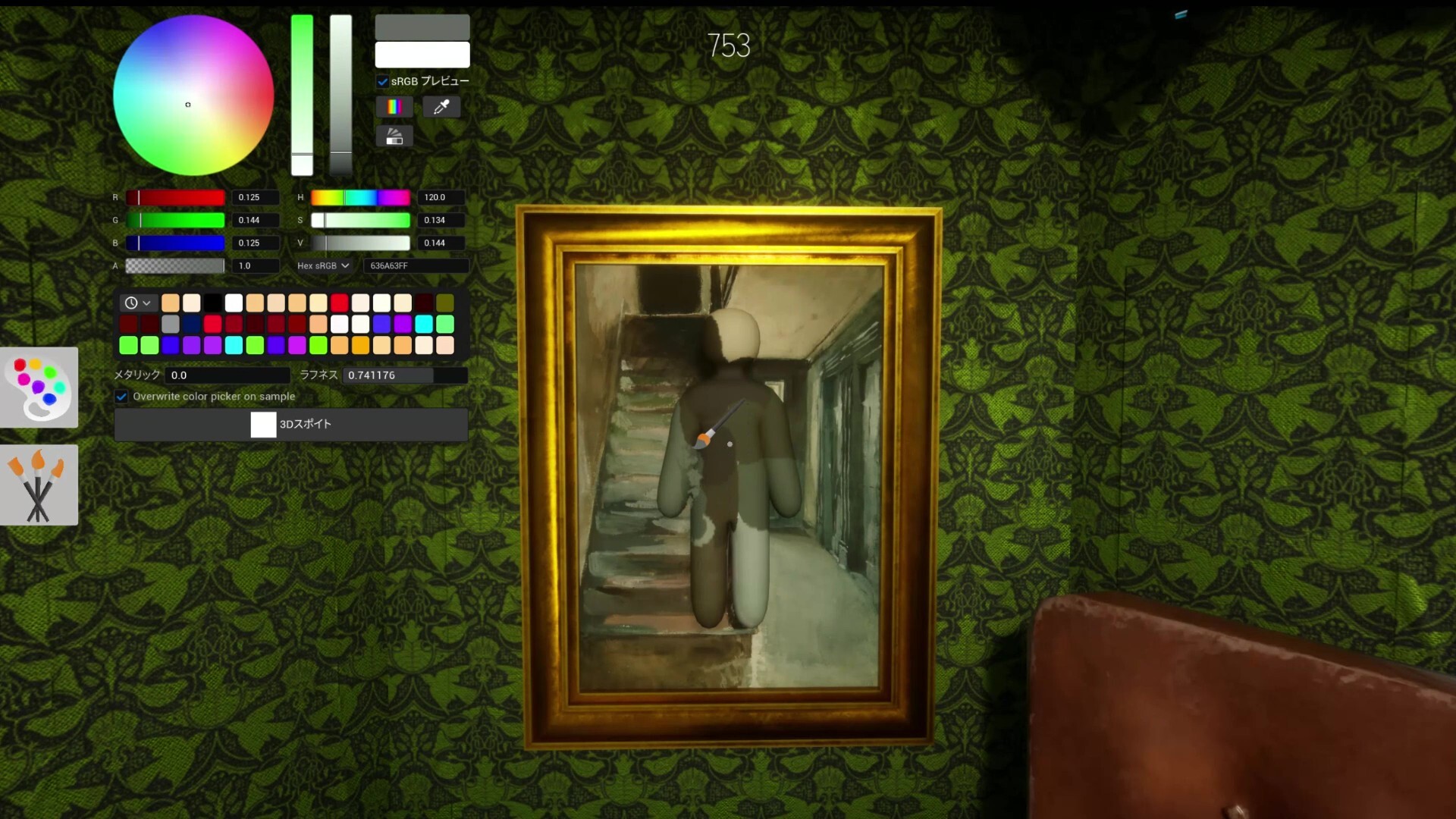
이 새로운 센세이션 파티 게임에서 플레이어는 두 팀으로 나뉩니다: 카멜레온 (숨는 팀)과 헌터 (찾는 팀). 카멜레온으로서 당신은 흰색의 덩어리 캐릭터를 조종하며, 미션은 단순하지만 매우 창의적입니다: 인게임 색상 선택기 및 스포이트 도구를 사용하여 몸을 칠하고, 주변 환경과 완벽하게 일치시키고, 완벽한 위장 포즈를 선택하여 진정한 위장의 대가처럼 환경에 녹아드세요. 한편, 헌터들은 시간이 끝나기 전에 예리한 시력으로 가짜를 찾아내야 합니다!
모바일 화면으로 플레이하는 것도 재미있지만, 어색한 터치 컨트롤로 정확한 픽셀 색상을 선택하거나 정교한 스텔스 포즈를 취하는 것은 매우 좌절스러울 수 있습니다. 위장 기술을 향상시키고 로비를 지배하고 싶다면, 플레이하는 가장 좋은 방법은 MEmu Play 로 PC 에서 MECCHA CHAMELEON 다운로드하기!
목차
시스템 요구 사항
- OS: Windows 10 64-bit.
- 프로세서: Intel Core i5
- 그래픽: DirectX 11 또는 12 호환 그래픽 카드
- 저장 공간: 4 GB 사용 가능 공간
게임 정보
- 장르: 캐주얼
- 개발사: lemorion_1224
- 플랫폼: PC
- 게임 크기: 2.3 GB
- 배급사: OFME + CSF
- 버전: v2.3.0 | Build 23968060
- 사전 설치된 게임
PC 에서 MECCHA CHAMELEON 을 MEmu Play 로 플레이해야 하는 이유는?
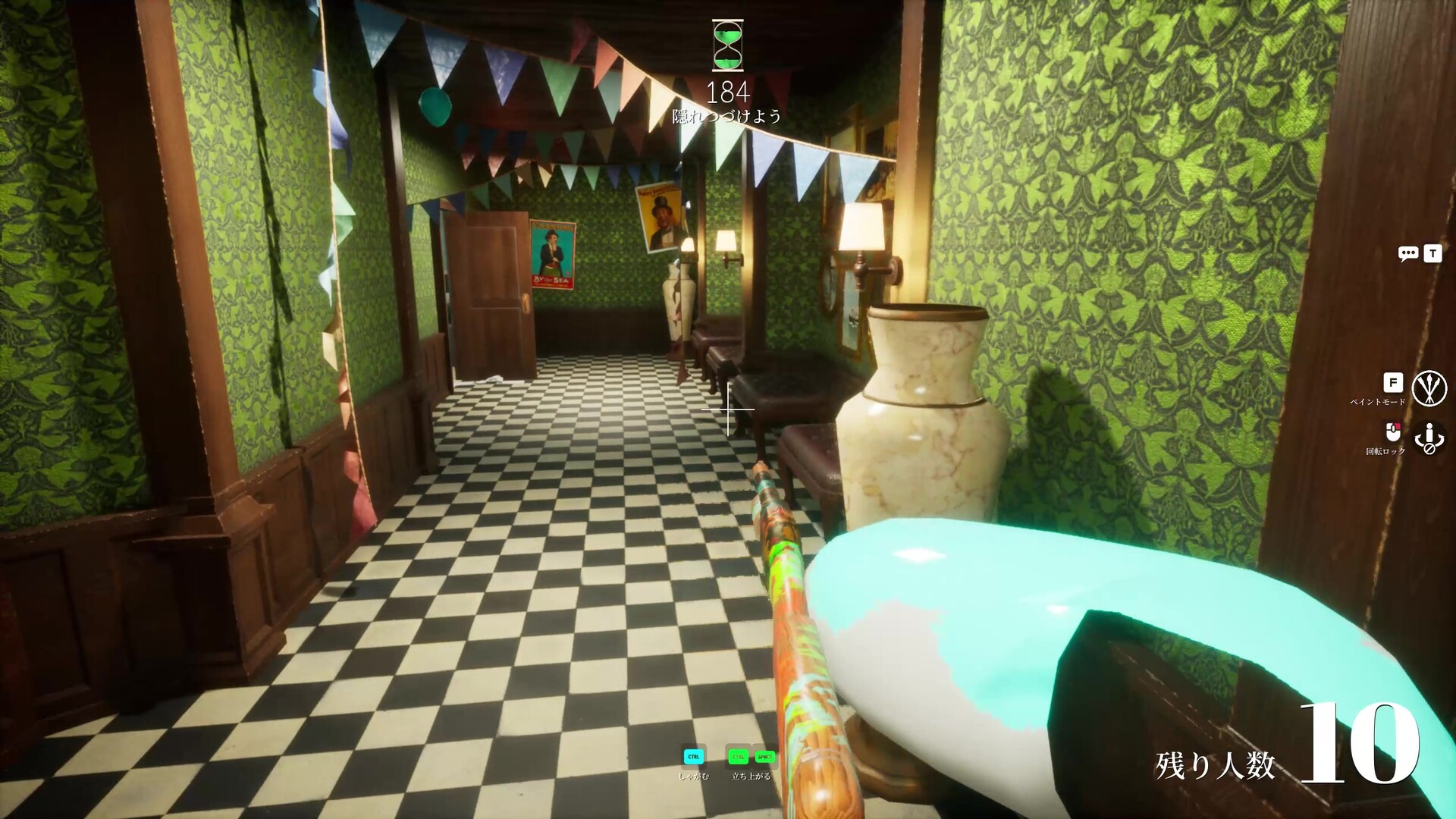
엘리트 투명 카멜레온이나 막을 수 없는 헌터가 되려면 정밀도, 속도, 그리고 뛰어난 시야가 필요합니다. MEmu Play 가 궁극적인 경쟁 우위를 제공하는 이유는 다음과 같습니다:
1. 마우스와 키보드로 완성하는 픽셀 단위 정밀함
복잡한 벽돌 벽이나 디테일한 포스터에 숨기 위해 정확한 색상을 선택하려면 미세 조정이 필요합니다. 모바일 폰에서는 엄지손가락이 화면의 절반을 가려 색상 선택 과정이 불편해집니다. MEmu 의 Smart Keymapping 을 사용하면 PC 마우스로 매우 정밀한 스포이트 선택과 색상 매칭이 가능합니다. 더 빠르게 반응하고, 즉시 포즈를 취하며, Seeker 들이 고개를 갸웃하게 만드세요!
2. 더 큰 화면에서 숨은 플레이어를 즉시 발견
Seeker 로서 작은 6 인치 폰 화면에서 미세한 픽셀 차이를 찾으려고 하면 두통이 올 수 있습니다. MEmu 에서 플레이하면 고화질 대형 PC 모니터 로 게임을 즐길 수 있습니다. 사소한 색상 차이, 미묘한 호흡 움직임, 어색한 포즈가 즉시 눈에 띕니다. 어떤 히더도 당신의 시선을 피할 수 없습니다!
3. 지연 없는 부드러운 120 FPS 게임플레이
MECCHA CHAMELEON 의 멀티플레이어 혼전 매치는 모바일 기기에서 프레임 떨어짐과 배터리 소모를 유발할 수 있습니다. MEmu Play 는 컴퓨터의 하드웨어 자원을 활용하여 최대 120 FPS 의 안정적이고 지연 없는 경험 을 제공합니다. 색상을 변경하거나 사냥꾼으로부터 도망칠 때 버터처럼 부드러운 애니메이션을 즐기세요.
4. 스트리머 친화적인 환경
MECCHA CHAMELEON 은 콘텐츠 제작과 스트리밍을 위해 태어났습니다! MEmu Play 에서 게임을 실행하면 OBS 와 같은 스트리밍 소프트웨어와 연결하기가 매우 쉽습니다. 스마트폰에 추가 부담을 주지 않으면서 Twitch 나 YouTube 에서 시청자들과 재미있는 숨은 장소와 천재적인 플레이를 원활하게 공유하세요.
PC 에서 MECCHA CHAMELEON 다운로드 및 플레이 방법
궁극의 숨바꼭질 챔피언이 될 준비가 되셨나요? MEmu Play 를 통해 PC 에 MECCHA CHAMELEON 을 설정하는 것은 완전히 무료이며 3 분도 걸리지 않습니다:
- MEmu Play 다운로드: 공식 MEmu 웹사이트를 방문하여 PC 에 최신 에뮬레이터 설치 프로그램을 다운로드하세요.
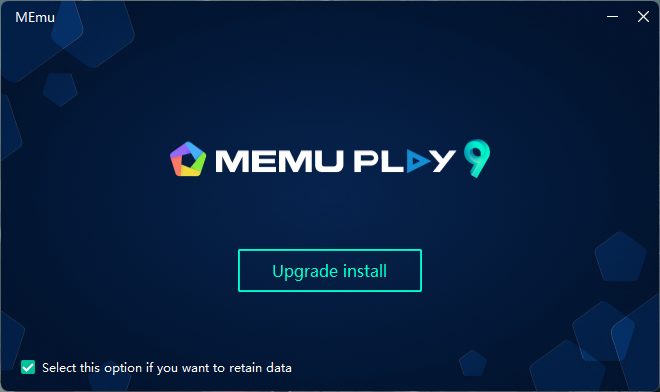
- 설치 및 실행: 간단한 화면 지침에 따라 MEmu Play 를 설치한 다음 에뮬레이터를 여세요.
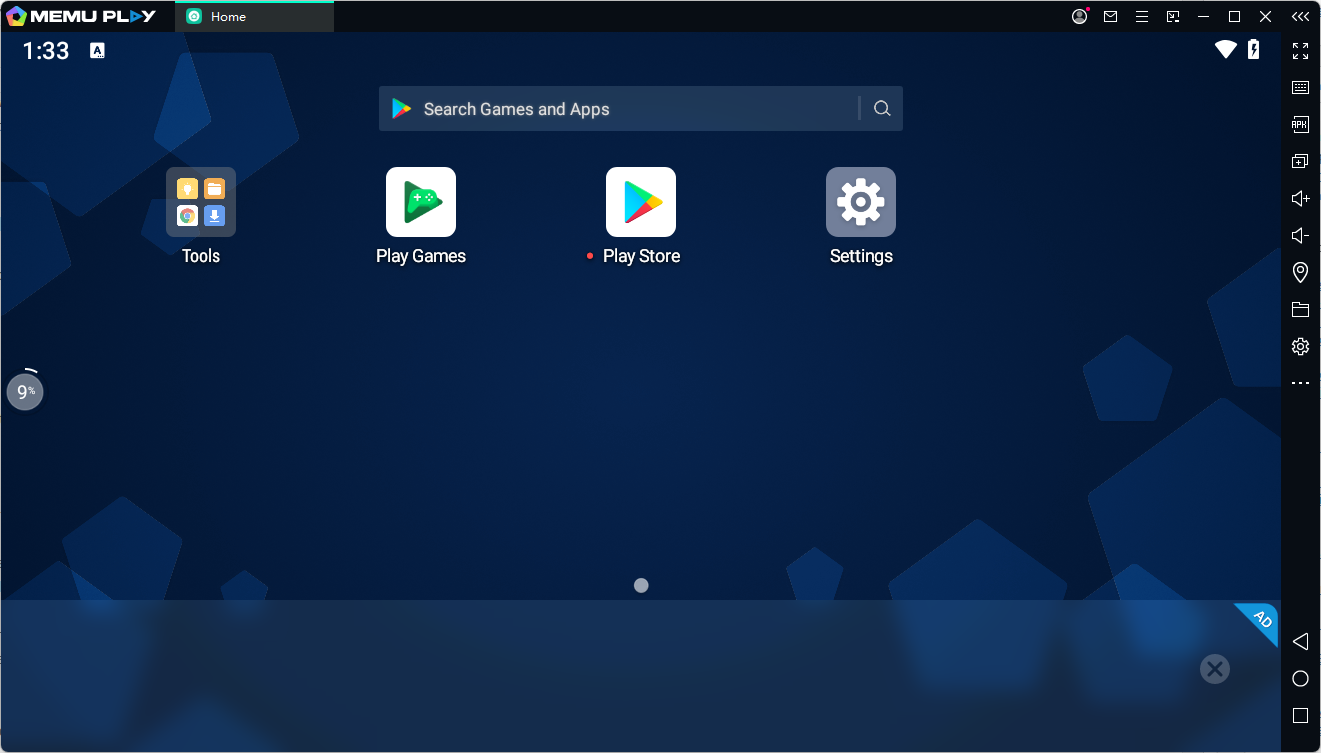
- 게임 검색: MEmu 내부의 사전 설치된 Google Play Store 를 열고 검색창에 "MECCHA CHAMELEON" 을 입력하세요.
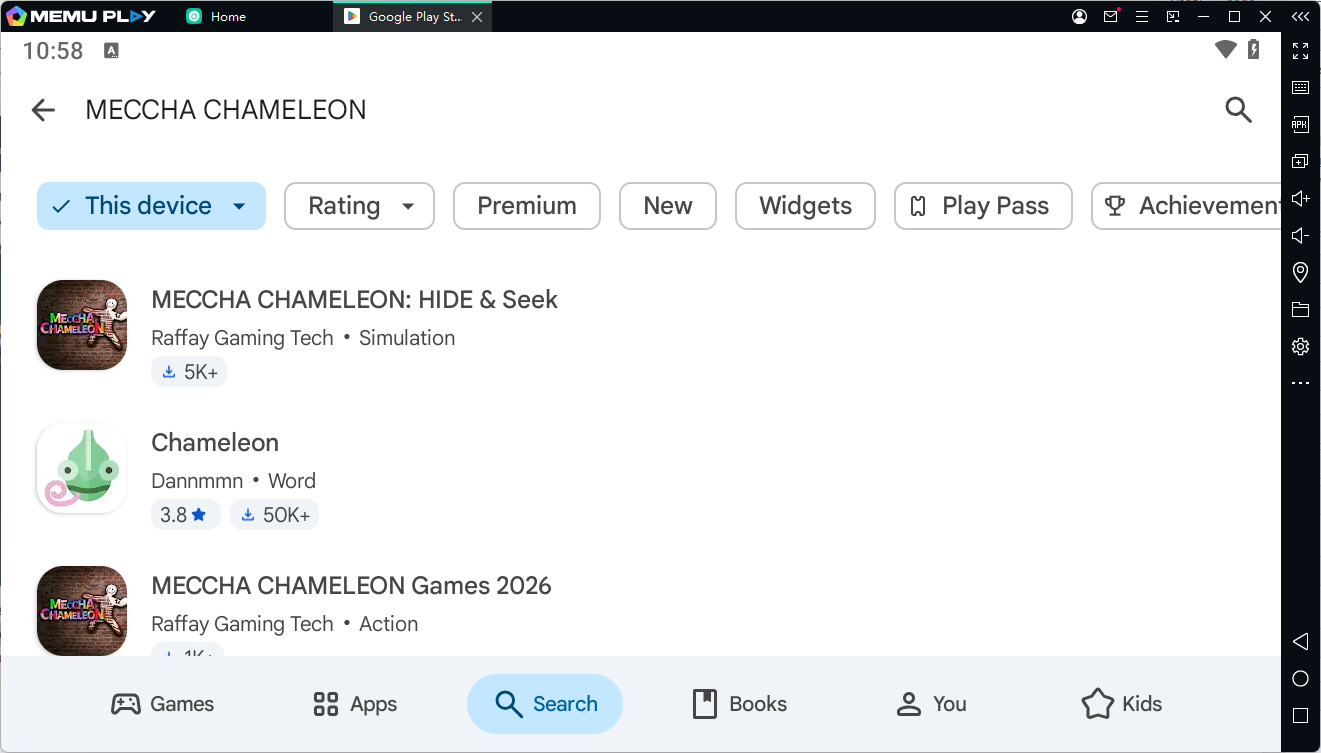
- 설치 및 플레이: "Install" 버튼을 클릭하세요. 다운로드가 완료되면 게임 아이콘이 MEmu 홈 화면에 나타납니다. 아이콘을 클릭하고 컨트롤을 커스터마이징한 후 숨을 준비를 하세요!
[? 여기를 클릭하여 MEmu Play 다운로드하고 PC 에서 MECCHA CHAMELEON 을 무료로 플레이하세요! ?]